Get Whisper Dictation for Mac
Local, offline dictation powered by Whisper AI. One-time $9.99 - try it free with 10 transcriptions.
Why Mac-Based Clinicians Have a Dictation Problem
Medical dictation on Windows is a solved problem: Dragon Medical has been the default in hospitals for decades. On the Mac, the story is different. Nuance discontinued its native Mac desktop dictation product in 2018, and Dragon Medical One, its current cloud-based flagship, offers no native macOS app, according to Mobius MD's overview of dictation for Mac-using doctors. That leaves private-practice physicians, therapists, and telehealth providers who prefer Macs without the industry-standard tool on their own hardware.
The common workarounds all have costs:
- Windows virtualization (Parallels, VMware) - an extra license, extra RAM, and a second OS to maintain for one app.
- Virtual desktop environments (Citrix, hospital VDI) - workable in large health systems, sluggish and out of reach for most small practices.
- Apple's built-in dictation - free, but not designed for long-form clinical documentation.
- Cloud dictation services - these can work well, but the moment patient audio leaves your machine, HIPAA paperwork enters the picture.
That last point is the part most clinicians underestimate. For the broader background, see our guide to Dragon dictation alternatives for Mac.
HIPAA and Dictation: BAAs, PHI, and What Cloud Vendors Must Sign
Under HIPAA, any vendor that creates, receives, maintains, or transmits protected health information (PHI) on behalf of a covered entity is a business associate. A cloud dictation service that receives audio of you describing a patient's condition is handling PHI, full stop. To be used compliantly, that vendor must sign a Business Associate Agreement (BAA) and follow strict rules on storing, sharing, and encrypting patient information, as outlined in Emitrr's guide to HIPAA-compliant speech-to-text.
In practice, that means three questions for any cloud dictation tool you evaluate:
- Will the vendor sign a BAA? Many consumer dictation apps will not, which rules them out for clinical use regardless of transcription quality.
- Where does the audio go? Servers, subprocessors, retention windows, and model-training policies all matter, and they change over time.
- What happens in a breach? Every company holding your patients' voice recordings is one more entity that can be breached, subpoenaed, or acquired.
None of this makes cloud dictation impossible for healthcare, but it does make it a procurement and legal project. For a solo practitioner or small clinic without a compliance department, that overhead is often the real blocker.
The On-Device Alternative: PHI That Never Leaves the Mac
There is a simpler way to shrink the problem: don't send the audio anywhere. Fully on-device transcription keeps PHI on the machine, with no raw audio or transcript crossing a network during processing, a posture that 2026 privacy guides such as SkyScribe's cloud vs offline comparison and Spokenly's medical dictation overview describe as the safest option for clinical dictation.
This became practical because of OpenAI's Whisper, an open speech-recognition model accurate enough for professional use. Optimized implementations like whisper.cpp run it comfortably on Apple Silicon, so a modern M-series Mac can transcribe speech locally, offline, with no server involved at all.
The compliance logic follows directly: if the software vendor never receives, stores, or transmits any patient data, there is no PHI relationship with that vendor for a BAA to cover. Your obligations shift to securing the Mac itself: FileVault encryption, strong login credentials, screen locking. We cover the general (non-medical) case in our guide to offline dictation on Mac.
How Much Time Does Dictation Save in Clinical Documentation?
The case for dictation isn't only about privacy, it's about time. A 2025 multi-country clinical study covering clinicians across 72 accents measured a median dictation speed of 93 words per minute versus a median typing speed of 21.5 words per minute, roughly a 4.3x speed increase for medical documentation (study preprint on medRxiv).
To make that concrete: a 300-word progress note takes about 14 minutes to type at 21.5 WPM, and just over 3 minutes to dictate at 93 WPM. Across ten notes a day, that's the difference between two-plus hours of typing and about half an hour of speaking. Even with proofreading time added, dictation leaves a wide margin, and it's one of the few burnout-relevant changes a clinician can adopt without waiting for their institution.
Using Whisper Dictation for Clinical Notes on Mac
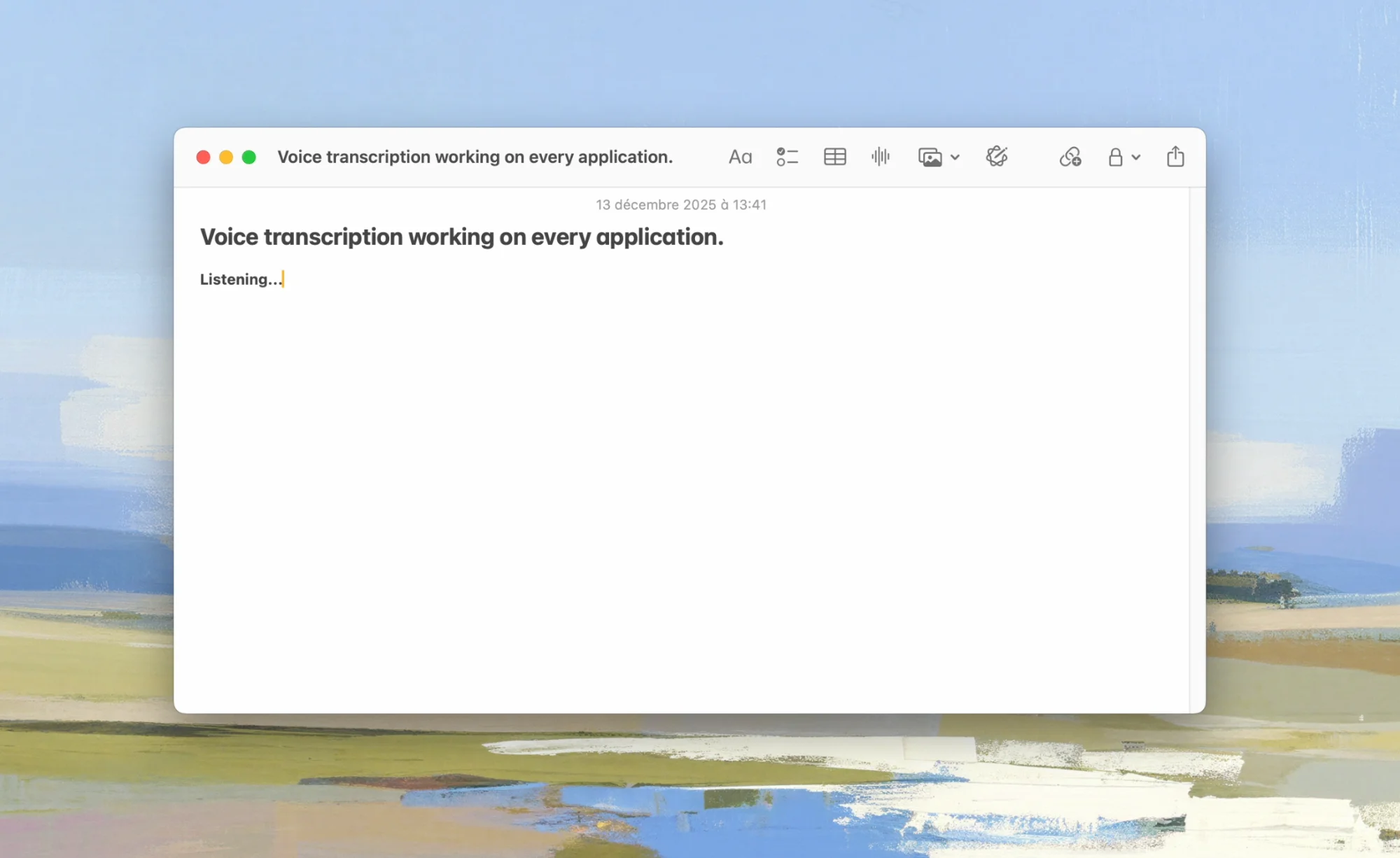
Whisper Dictation is our native macOS app that runs OpenAI's Whisper model 100% locally via whisper.cpp. There is no cloud mode to misconfigure: audio is processed on your Mac, then deleted. No account, no telemetry, fully offline. The workflow is deliberately simple:
- Place your cursor in any text field, in any Mac app.
- Hold Option+Space (the default hotkey), speak your note, and release.
- The transcribed text appears at your cursor.
Because it types into any app that accepts text, it works wherever your documentation lives:
- Browser-based EHRs - note fields in web sessions of Epic, Cerner (Oracle Health), athenahealth, and similar systems in Safari or Chrome.
- Practice management and therapy platforms - SimplePractice, Jane, TherapyNotes, and other web apps.
- Plain documents and email - Word, Pages, Apple Notes, referral letters in Mail or Outlook, or a text file you paste into the EHR afterwards.
Whisper supports 100+ languages with automatic detection, which helps multilingual practices. Requirements: macOS 14.0 (Sonoma) or newer, Apple Silicon recommended (Intel Macs work but transcribe more slowly), and a one-time model download of about 1.5GB at installation. Note that Whisper Dictation is real-time dictation, not a recorder: to transcribe saved audio files, such as letters dictated on a handheld recorder, see our guide to transcribing audio files on Mac.
Try It Free - 10 Transcriptions Included
Whisper Dictation is a one-time $9.99 purchase with a 7-day money-back guarantee. Test it with 10 free transcriptions first, no account needed.
Get Whisper DictationLimits and Compliance: What On-Device Does and Doesn't Guarantee
Honesty matters more than marketing here, so let's be precise about what an on-device app does and does not give you.
What it does guarantee
- Audio and transcripts are processed on your Mac and never transmitted to anyone during dictation.
- Audio is deleted after transcription; no telemetry and no account means no vendor-side store of PHI to breach.
- Dictation keeps working with no internet connection at all.
What it does not guarantee
- It is not "HIPAA certified" - no software is, because no official HIPAA certification for software exists. Compliance describes your practices as a covered entity, not a product label.
- It does not secure your Mac for you - FileVault encryption, access controls, and screen locking on the machine that holds PHI remain your responsibility.
- It does not replace proofreading - Whisper lacks a specialized medical formatting engine, so review drug names, dosages, and units before signing any note.
- The destination has its own rules - text dictated into a cloud EHR lives in that EHR, under that vendor's BAA. On-device dictation removes the transcription vendor from the chain, not the EHR.
Bottom line: on-device dictation removes an entire category of risk, a third party holding your patients' audio, but you should still walk the setup past your compliance officer, especially in a larger organization.
Cost Comparison: Dragon Medical One vs a One-Time Local License
Dragon Medical One is sold as a per-user subscription, typically on an annual commitment through Nuance or a reseller (see Nuance's official Dragon Medical One page for current terms as of July 2026). It is a powerful product with medical vocabularies and EHR integrations, and for hospital deployments on Windows it remains the reference. For a Mac user, the comparison looks like this:
| Dragon Medical One | Whisper Dictation | |
|---|---|---|
| Pricing model | Per-user subscription, recurring (contact Nuance for current pricing) | $9.99 one-time (personal), $45 for a 5-license team pack |
| Native Mac app | No (Mac desktop product discontinued in 2018) | Yes, native macOS 14.0+ |
| Where audio is processed | Cloud (BAA required) | On your Mac, then deleted |
| Works offline | No, cloud service | Yes, fully offline |
| Medical vocabulary and EHR commands | Yes, specialized | General Whisper model, proofread clinical terms |
| Account required | Yes, enterprise provisioning | No account |
The two products aren't aimed at the same buyer. If your hospital provisions Dragon Medical One through Citrix, use it. If you're a Mac-based solo practitioner weighing a recurring subscription plus virtualization overhead against a $9.99 one-time license that keeps PHI on the device, the local option is worth testing first. For how local Whisper apps compare with each other, see our roundup of the best dictation software for Mac.
Frequently Asked Questions
Is Whisper Dictation HIPAA certified?
No, and no dictation app can be, because no official HIPAA certification for software exists; compliance describes how a covered entity handles PHI. Whisper Dictation processes audio entirely on your Mac, deletes it after transcription, sends no telemetry, and requires no account, so no patient data reaches the vendor. Confirm with your compliance officer how it fits your organization's policies.
Does Dragon Medical One have a native Mac app?
No. Nuance discontinued its native Mac desktop dictation product in 2018, and Dragon Medical One does not offer a native macOS app as of July 2026. Mac-based clinicians typically access it through Windows virtualization, a virtual desktop environment, or supported browser configurations, each of which adds cost and complexity.
Can I dictate into Epic or Cerner in the browser on a Mac?
Yes, if your EHR runs in a browser on your Mac, an on-device app like Whisper Dictation types into any text field the browser exposes, including note fields in web-based EHR sessions: hold a hotkey, speak, release, and the text appears at your cursor. Test your specific configuration first, since some virtual desktop setups render the screen as video rather than exposing real text fields.
Does local Whisper handle medical terminology well?
Whisper was trained on a very large, diverse dataset and generally handles common medical vocabulary, anatomy, and many drug names reasonably well. It does not have a specialized medical vocabulary or formatting engine like Dragon Medical, so always proofread clinical notes, especially medication names, dosages, and units, before signing them.
Do I still need a BAA if audio never leaves my device?
A Business Associate Agreement is required when a third party creates, receives, maintains, or transmits PHI on your behalf. If a dictation app processes audio entirely on your own machine and the vendor never receives patient data, there is generally no PHI relationship for a BAA to cover. HIPAA obligations for the device itself, encryption, access controls, and physical safeguards, still apply, so confirm the setup with your compliance officer.
Conclusion: Keep the Audio Where the Patient Told You Their Story
Mac-based clinicians have been stuck between an industry standard that skipped their platform and cloud services that turn every note into a data-processing agreement. On-device Whisper transcription resolves that tension in the simplest way: the audio never leaves the room. Add the documented speed advantage over typing, and it's a practical upgrade for clinical notes on a Mac.
Whisper Dictation is a private, offline dictation app for Mac: one-time $9.99, macOS 14.0+, about 1.5GB model download at install, 10 free transcriptions with no account required. Try it on a few notes, show the setup to your compliance officer, and see if it earns a place in your workflow.
Dictate Your Next Note Locally
One-time $9.99, works offline, audio processed on your Mac and deleted. 10 free transcriptions, 7-day money-back guarantee.
Get Whisper Dictation