Get Whisper Dictation for Mac
Local, offline dictation powered by Whisper AI. One-time $9.99 - try it free with 10 transcriptions.
Why Look for a SuperWhisper Alternative?
SuperWhisper is a well-built app, and it deserves credit for showing Mac users that Whisper-quality dictation can run entirely on-device. But in 2026 the local dictation space has matured, and there are now several strong options with different trade-offs:
- Pricing model - SuperWhisper is sold as a subscription (a lifetime option exists at a higher price). If you just want simple dictation, paying monthly for a speech-to-text utility can feel like overkill.
- Feature depth vs simplicity - SuperWhisper offers modes, custom vocabularies, and AI reformatting. Powerful, but more than many users need for everyday voice typing.
- Use-case fit - Real-time dictation and file transcription are different jobs. Some apps are clearly better at one than the other.
All four apps in this comparison share one crucial trait: they run OpenAI's Whisper model (or a variant of it) locally on your Mac, so your audio never has to leave your machine. That already puts them ahead of cloud services on privacy. The differences are in pricing, focus, and workflow.
Head-to-Head Comparison Table
Here's how the four apps compare on the criteria that matter most (feature and pricing details as of July 2026 - check each vendor's site for current terms):
| Feature | Whisper Dictation | SuperWhisper | MacWhisper | VoiceInk |
|---|---|---|---|---|
| Pricing model | One-time $9.99 (personal) / $45 (5-seat team) | Subscription; lifetime option (see pricing) | Free version; one-time Pro upgrade (see pricing) | One-time license; open source (see pricing) |
| Local processing | Yes, 100% local | Yes (optional cloud AI features) | Yes (optional cloud AI features) | Yes (optional cloud enhancement) |
| Works offline | Yes | Yes, for local models | Yes, for local models | Yes, for local models |
| Primary focus | Real-time system-wide dictation | Dictation with power-user workflows | Transcribing audio/video files | Dictation, open-source project |
| Languages | 100+ (Whisper multilingual) | 100+ (Whisper multilingual) | 100+ (Whisper multilingual) | 100+ (Whisper multilingual) |
| Free to try | Yes - 10 free transcriptions | Trial available | Free version available | Free trial; source code free |
| Requirements | macOS 14.0+, ~1.5GB model download | macOS (recent versions) | macOS (recent versions) | macOS (recent versions) |
Whisper Dictation - Simple Dictation, One-Time $9.99
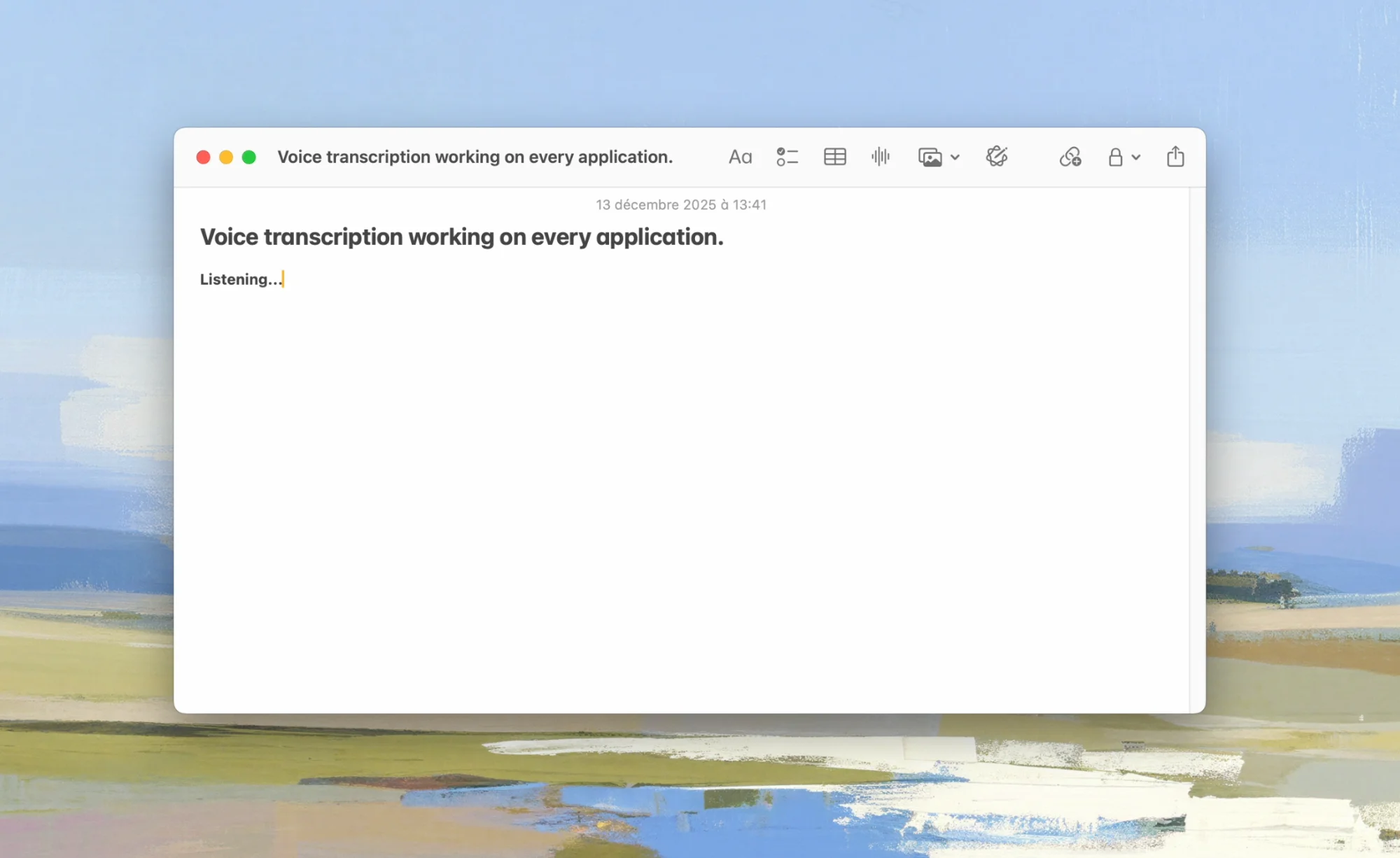
Whisper Dictation is the simplest of the four: a native menu-bar app that does one job - press a hotkey, speak, and your words appear as text in whatever app you're using. It runs Whisper entirely on your Mac via local processing, works offline, and supports 100+ languages.
What Sets It Apart
- One-time purchase - $9.99 for a personal license, $45 for a 5-seat team license. No subscription, no renewal, all updates included.
- Free trial - 10 free transcriptions before you decide, no account required.
- 100% local, no cloud features at all - There is no optional cloud mode to accidentally enable. Audio never leaves the machine.
- System-wide - Works in any text field: email, docs, browsers, IDEs, terminals.
- Lightweight setup - Requires macOS 14.0+ and a one-time ~1.5GB model download; after that it's fully self-contained.
Where It's Not the Right Fit
- No batch file transcription workflow - for transcribing hours of recordings, MacWhisper is better suited.
- No AI reformatting modes or prompt templates - SuperWhisper wins on workflow customization.
Try It Free - 10 Transcriptions Included
Whisper Dictation is a one-time $9.99 purchase. Test it with 10 free transcriptions before you buy.
Get Whisper DictationSuperWhisper - For Power Users
SuperWhisper is the most feature-rich dictation app of the group. Beyond plain speech-to-text, it offers "modes" that post-process your dictation for specific contexts (emails, messages, notes), custom vocabulary, and AI-powered text transformation.
Strengths
- Deep customization: per-app modes, custom prompts, and text replacement rules
- Multiple local model options, including faster and more accurate variants
- Polished, actively developed product
Trade-offs
- Subscription pricing - Ongoing cost unless you buy the pricier lifetime option; over a few years this is significantly more than a one-time $9.99 app.
- AI enhancement can involve the cloud - The optional LLM-based reformatting features may send text to external APIs, which matters if you chose a local app specifically for privacy.
- Complexity - More settings and concepts to learn than a plain dictation tool.
Best for: power users who dictate all day, want per-app formatting workflows, and don't mind paying for that depth.
MacWhisper - For File Transcription
MacWhisper, by developer Jordi Bruin, approaches Whisper from a different angle: it's primarily a file transcription tool. Drag in a recording - a meeting, podcast, interview, or video - and it produces a transcript, with support for batch processing and subtitle formats.
Strengths
- Excellent drag-and-drop transcription of audio and video files
- Subtitle export (SRT/VTT) and speaker-friendly transcript editing
- Free version available; the Pro upgrade is a one-time purchase
Trade-offs
- Real-time dictation exists but is not the app's core focus - the experience is built around files, not around typing into other apps all day
- Pro features (larger models, batch processing) require the paid upgrade
Best for: anyone whose main need is converting recordings to text. If that's you, also see our guide on how to transcribe audio on Mac.
VoiceInk - The Open-Source Option
VoiceInk is an open-source dictation app for macOS built on whisper.cpp - the same high-performance C++ implementation of Whisper that powers several apps in this space. Its source code is public on GitHub; the developer sells a prebuilt, auto-updating version for a one-time price.
Strengths
- Open source - You can audit exactly what the app does with your audio, or build it yourself for free
- Local processing with whisper.cpp performance on Apple Silicon
- One-time purchase for the convenience of signed, auto-updating builds
Trade-offs
- Smaller team and community than the commercial competitors
- Building from source requires developer tooling most users won't want to set up
Best for: developers and open-source enthusiasts who want full transparency over their dictation stack.
Which One Should You Choose?
- You want simple, private, everyday dictation at the lowest one-time cost → Whisper Dictation ($9.99 once, 10-transcription free trial)
- You want deep per-app workflows and AI reformatting, and accept a subscription → SuperWhisper
- You mainly transcribe audio/video files → MacWhisper
- You want open source above all → VoiceInk
Whichever you pick, prefer a local-processing app over a cloud service for dictation. Your voice is sensitive data, and in 2026 there is no accuracy reason left to send it to someone else's servers. For a broader look at the whole market - including Apple's built-in option and cloud tools like Wispr Flow - see our full comparison of the best dictation software for Mac and our review of Wispr Flow alternatives.
If you're ready to try the simplest option: Whisper Dictation is a dictation app for Mac that installs in two minutes and includes 10 free transcriptions - no account, no subscription.
Start Dictating in Two Minutes
One-time $9.99, works offline, 100% local. Try 10 transcriptions free before you buy.
Get Whisper DictationFrequently Asked Questions
What is the best SuperWhisper alternative for Mac?
It depends on your use case. For simple system-wide dictation with a one-time purchase, Whisper Dictation ($9.99, macOS 14.0+) is the most direct alternative. For transcribing audio and video files, MacWhisper is the better fit. If you want an open-source option, VoiceInk is built on whisper.cpp and its code is public on GitHub.
Is SuperWhisper subscription-based?
SuperWhisper is sold as a subscription, with a lifetime purchase option also available. Check the official superwhisper.com pricing page for current rates. By comparison, Whisper Dictation is a single one-time purchase of $9.99 for a personal license.
Can MacWhisper be used for real-time dictation?
MacWhisper includes a dictation feature, but its core focus is transcribing audio and video files: drag and drop recordings, batch processing, and subtitle export. If real-time, system-wide dictation is your primary need, a dedicated dictation app like Whisper Dictation or SuperWhisper is a more natural fit.
Do these apps work offline?
Yes. Whisper Dictation, SuperWhisper, MacWhisper, and VoiceInk all run Whisper models locally on your Mac, so core transcription works without an internet connection. Note that optional AI text-enhancement features in some of these apps may call cloud APIs.