Get Whisper Dictation for Mac
Local, offline dictation powered by Whisper AI. One-time $9.99 - try it free with 10 transcriptions.
RSI and Typing: Why Keystroke Volume Is the Problem
Repetitive strain injury is, at its core, a dose problem. Tendons, nerves, and the small muscles of the hands tolerate a certain amount of repetitive load; past that threshold, microtrauma accumulates faster than tissue can recover, producing the familiar cluster of conditions: carpal tunnel syndrome, tendonitis, De Quervain's, and generalized forearm pain.
Better posture, split keyboards, and wrist rests help at the margins, but they change how you type, not how much. A knowledge worker producing 5,000 words a day executes tens of thousands of finger movements, and no ergonomic keyboard removes a single one of them. That is why occupational health advice for RSI converges on the same conclusion: reduce the total number of keystrokes, not just the angle at which you make them.
Voice input attacks the dose directly. Every sentence you dictate is a sentence your fingers never type: the words still get written, but the repetitive load that produced the injury simply does not occur.
How Many Keystrokes Voice Can Actually Eliminate
The numbers are larger than most people expect. RSI-focused ergonomics writing describes voice dictation as "the single biggest strain reducer" available: someone who types 40,000 words a week and moves half of that output to voice eliminates roughly 20,000 keystrokes' worth of wrist motion every single week. Over a working year, that is on the order of a million avoided finger movements.
Speed works in your favor too. Conversational English averages about 150 words per minute, versus roughly 40 words per minute for typical typing, so dictating is around four times faster, with zero wrist strain. For someone with RSI this matters twice over: you produce the same output in less total desk time, and the time you do spend produces no repetitive hand load.
| Daily writing volume | Approx. keystrokes (typed) | Keystrokes if 50% dictated | Keystrokes if 80% dictated |
|---|---|---|---|
| 2,000 words (light) | ~12,000 | ~6,000 | ~2,400 |
| 5,000 words (typical office) | ~30,000 | ~15,000 | ~6,000 |
| 8,000 words (writer, support, dev docs) | ~48,000 | ~24,000 | ~9,600 |
Estimates assume roughly six keystrokes per word including spaces and punctuation. Exact numbers vary, but the shape of the result does not: shifting even half your writing to voice removes more repetitive load than any keyboard or desk upgrade can.
Why Apple's Built-In Dictation Falls Short as an RSI Accommodation
macOS ships with free dictation, and for a ten-word text message it is fine. As a primary accommodation for someone whose hands hurt, it has structural problems.
- It stops listening on its own. Apple's built-in Dictation stops after roughly 30 seconds of dictation by default, an architectural constraint that makes it unsuitable as a primary tool for long-form work. For an RSI user, every restart is another keystroke or trackpad interaction, exactly the motions you are trying to avoid.
- Accuracy degrades on technical and specialized vocabulary. Whisper-based tools consistently handle jargon, product names, and mixed-language speech better, which means fewer manual corrections, and corrections are typing.
- Unpredictable behavior. The feature depends on Siri settings, keyboard settings, and per-app quirks, and it breaks often enough that we wrote a whole troubleshooting guide on what to do when Apple dictation is not working.
None of this makes Apple Dictation useless: it was designed for occasional short bursts, not as the primary text-entry method for someone managing an injury. For that job you want a dedicated app with an unlimited hold-to-talk workflow; our comparison of the best dictation software for Mac covers the main options.
Setting Up Low-Strain Hold-to-Talk Dictation on Mac (Option+Space)
The workflow that works best for RSI users is hold-to-talk: one key held down while you speak, released when you finish. There is no start button to click, no timeout to race, and no mode to remember to exit. Here is the setup with Whisper Dictation, a local dictation app for Mac:
- Install the app. It requires macOS 14.0 (Sonoma) or newer and downloads a ~1.5GB Whisper model at installation. That is a one-time download; after it, everything runs offline on your Mac.
- Place your cursor in any text field: an email draft, a document, a Slack message, a code comment.
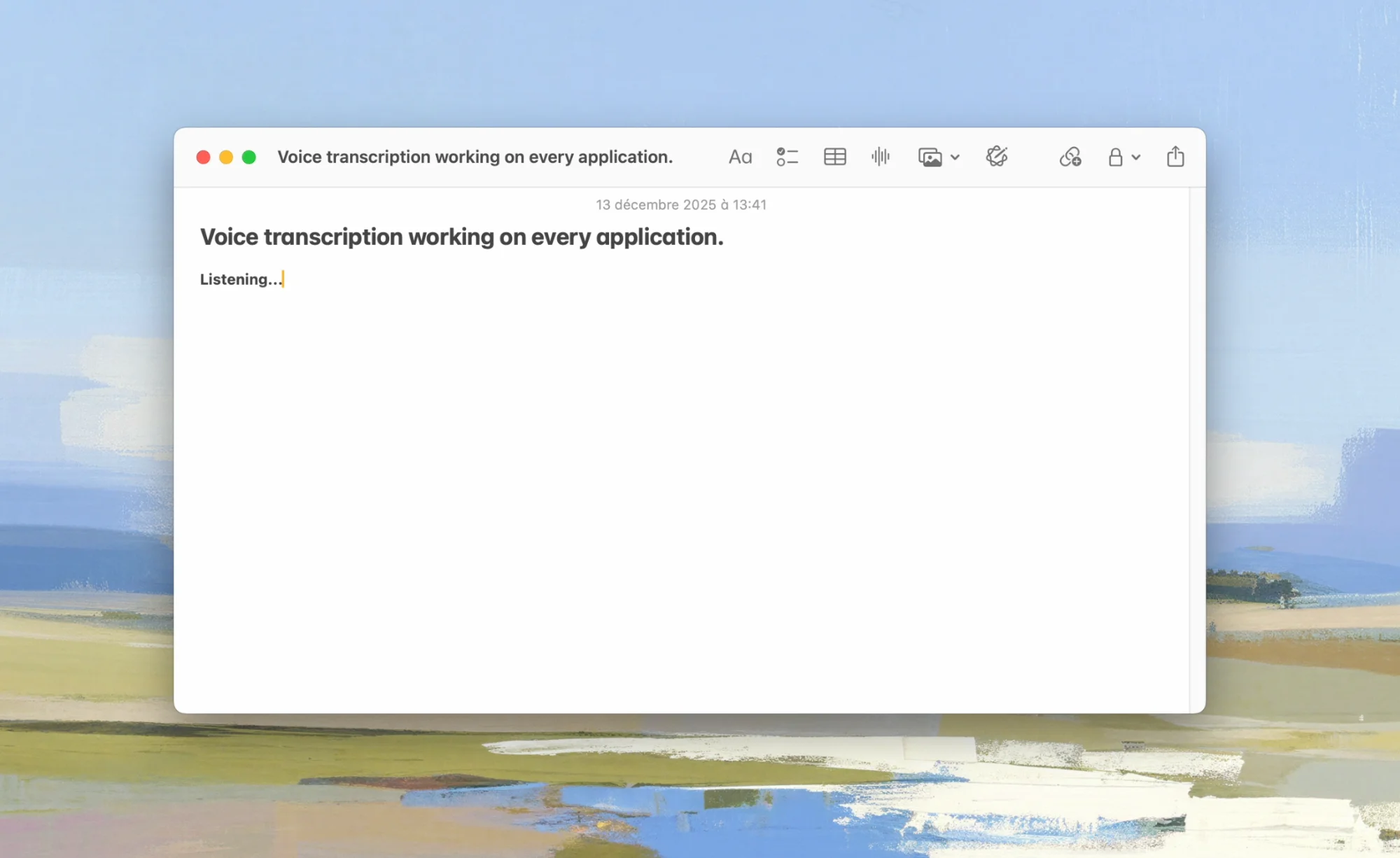
- Hold Option+Space and speak. Talk as long as you like, at a normal conversational pace. There is no 30-second cutoff.
- Release the key. The audio is transcribed locally by OpenAI's Whisper model running via whisper-cpp, the text appears at your cursor, and the audio is deleted. Nothing is sent to a server, and there is no account to create.
A few RSI-specific notes on this setup:
- One held key beats a click-to-start interface. Holding a single key with a relaxed thumb or finger involves no repetitive motion. If holding a key is itself painful, resting the hand on the key passively works, and the shortcut can be remapped.
- It works everywhere. Because the text is inserted at the cursor, it works in any Mac app that accepts text. There is no app-by-app configuration.
- Offline and private by design. Health-related workflows often involve sensitive content (messages to doctors, HR emails about your condition). Processing everything on-device means none of it leaves your Mac; see our guide to offline dictation on Mac for why that matters.
- It runs on Apple Silicon (M1 through M4) and Intel Macs. Transcription is noticeably faster on Apple Silicon; Intel works but is slower.
Try Hands-Free Writing Free
Whisper Dictation includes 10 free transcriptions, no account needed. One-time $9.99 if it helps.
Get Whisper DictationA Sustainable Voice + Keyboard Balance (Don't Trade Wrist Strain for Vocal Strain)
A caution worth taking seriously: your voice is also a set of muscles and tissues, and it has its own overuse conditions. Ergonomics guidance on hands-free typing is consistent on this point: the goal is balance, not swapping one repetitive strain for another. Alternate dictation with light keyboard work rather than speaking for eight hours straight.
A sustainable split for most RSI users looks like this:
- Dictate the volume: first drafts, emails, meeting notes, documentation, chat messages. This is where the word count lives.
- Type the precision: short edits, file names, passwords, code symbols. These are low-volume tasks the keyboard is genuinely better at. Developers with RSI can go further with a hybrid workflow; see our guide to voice dictation for coding.
- Protect the voice: speak at a relaxed conversational volume (a good microphone means you never need to project), keep water at your desk, and take the same kind of breaks you would schedule for your hands.
Dictating in bursts of a few sentences at a time, which is exactly what a hold-to-talk shortcut encourages, is a very different vocal load from lecturing continuously, and most people find a 50 to 80 percent voice share comfortable indefinitely.
What RSI Users Report After Switching to Dictation
The pattern in user reports across the dictation space is consistent. People with RSI, carpal tunnel, or tendonitis describe reducing daily typing from 6 to 8 hours down to under 1 hour after moving their writing to voice, and some report being able to return to full-time work as a result. The keyboard time that remains is short-burst editing rather than sustained composition, which is a much smaller repetitive dose.
Two realistic expectations to set. First, there is an adjustment period: composing out loud feels awkward for the first few days, and most people find their spoken drafts become fluent within a week or two. Second, dictation does not treat the underlying injury; it removes the aggravating load so tissue can recover, but it works alongside medical care, not instead of it. If you have persistent pain, see a clinician.
Cost: A One-Time License as an Accessibility Tool
Accessibility software has a reputation for enterprise pricing, and dictation historically deserved it: professional speech recognition suites used to cost hundreds of dollars, and several modern cloud tools charge ongoing subscriptions. For a tool you may rely on for years, pricing structure matters.
Whisper Dictation is priced as a utility, not a medical product: a free trial of 10 transcriptions, then a one-time $9.99 Personal license (lifetime, updates included) or $45 for a 5-seat Team license, with a 7-day money-back guarantee. There is no subscription and no account. The honest limitations: it is macOS only (14.0 or newer), and the initial ~1.5GB model download requires a connection once, after which it runs fully offline.
If your employer handles accommodations, a sub-$10 one-time purchase is also the kind of request that gets approved without a procurement process, which in practice can matter as much as the feature list.
Start Writing Hands-Free Today
One-time $9.99, works offline, 100% local. Try 10 transcriptions free, with a 7-day money-back guarantee.
Get Whisper DictationFrequently Asked Questions
Can dictation fully replace typing if I have RSI or carpal tunnel?
For most prose writing, yes: emails, documents, messages, and notes dictate well. Tasks that are inherently keyboard-driven, like precise code editing or spreadsheet navigation, still need some keyboard or mouse input. The realistic goal is to move the bulk of your text entry to voice and keep keyboard use for short edits, which can cut daily keystroke volume dramatically.
Does voice typing work in every Mac app?
A system-wide dictation app types at the cursor, so it works in any Mac app that accepts text input: Mail, Safari, Pages, Google Docs, Slack, Notion, terminals, and IDEs. If an app has a text field you could type into, you can dictate into it.
Will dictating all day strain my voice?
It can if you speak continuously for hours, which is why ergonomics guidance recommends balance rather than a full swap. Alternate dictation with light keyboard work, speak at a relaxed conversational volume, take breaks, and stay hydrated. Most users dictate in short bursts throughout the day, which is well within comfortable vocal load.
Why isn't Apple's free dictation enough for RSI?
Apple's built-in Dictation stops listening after roughly 30 seconds by default, so long-form writing turns into a cycle of restarting dictation, and each restart is another keystroke or click. Accuracy on technical vocabulary is also weaker than Whisper-based tools. It works for short messages, but as a primary accommodation for someone who writes all day it falls short.
How fast is dictation compared to typing?
Conversational English speech averages around 150 words per minute, while typical typing is around 40 words per minute. Even allowing time to fix occasional transcription errors, dictation is usually several times faster than typing, and it produces that text with zero wrist and finger motion.